
<!doctype html>
Build the right processor around the display plan
For control rooms, training environments, simulation and commercial displays, FOLAIDA helps teams select a video wall processor, then map 4k video wall processor capabilities to the signals, windows, outputs and operating paths a project actually needs.
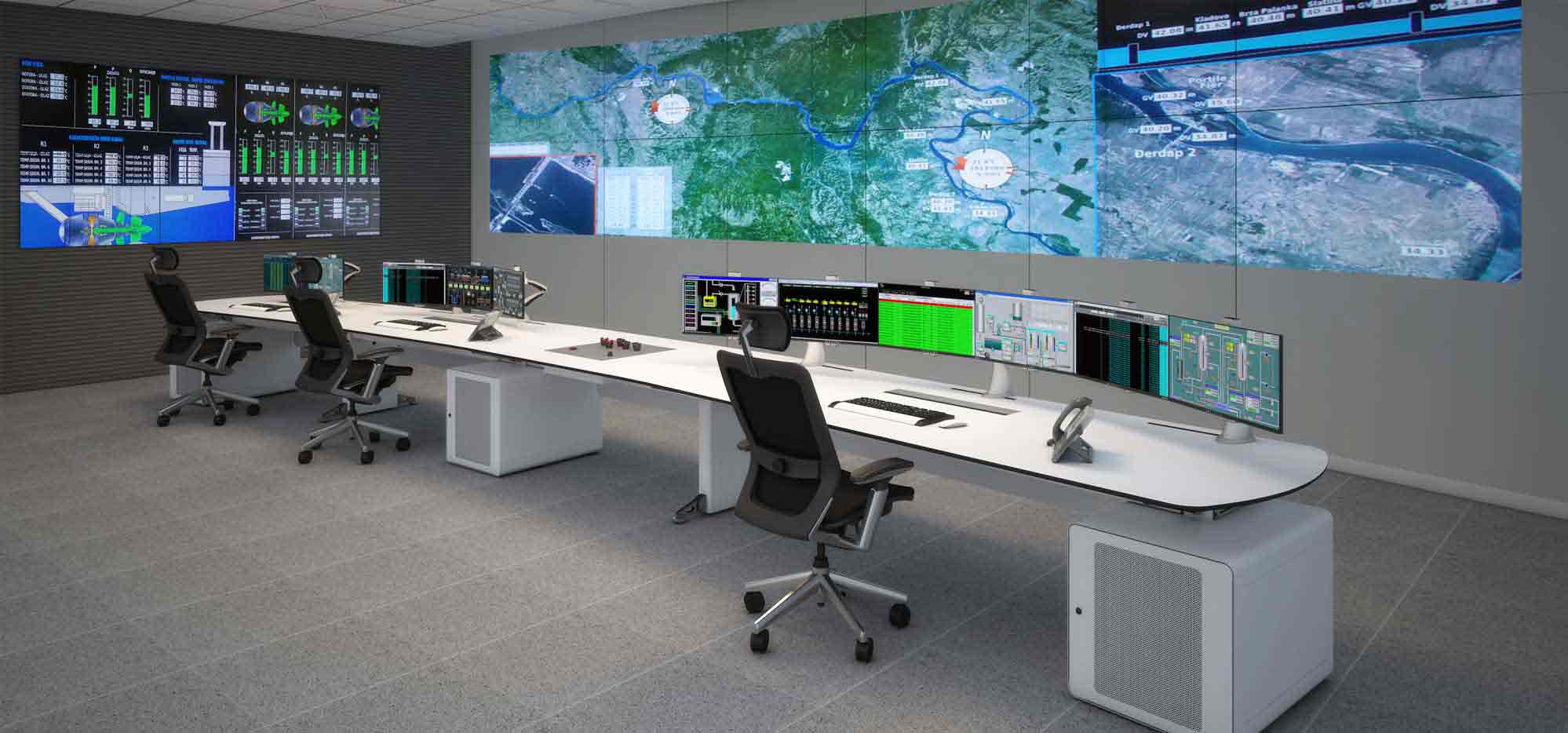
Choose the processor by the work it must coordinate
A strong shortlist starts with the signal path rather than a chassis label alone. Separate the source mix, processing behavior, display outputs, control entrance and saved layout requirements before comparing a configuration.
Inputs
Map HDMI, VGA/YPbPr, combined HDMI + VGA or IP streaming sources, including the resolution and decoding conditions each source brings.
Processing
Review matrix switching, splicing, splitting, windowing, roaming, overlay, scaling, preview and zoom as the operating layer.
Outputs
Match DVI or HDMI output boards to the display wall, screen geometry, audio needs and the number of destinations to be driven.
Control paths
Decide whether RS232, LAN software, WebGUI, Windows or Android control fits the room’s operating practice and permissions.
Layout memory
Scene modes, screen groups, OSD and static overlays help teams move from one display arrangement to another without rebuilding every view.
Project checks
Keep cabling, network architecture, mounting, commissioning and operator training as separate project questions instead of assuming they come with the processor.
Connect the documented functions to the display wall
The FOLAIDA processor range is described around HDMI video processing chipsets rather than an operating system. Its product-level feature set includes 2K/4K HDMI I/O, up to 4K@30Hz input support, HDCP 1.4, seamless switching and full-digital signal handling.
- Windowing with 2/4/8/16 inputs per screen
- Roaming, overlay, drag-and-drop, preview and zoom
- Splicing, splitting, screen groups and scene modes
- RS232, LAN software and WebGUI control paths
- Optional input and output boards for different source mixes
Compare chassis and card choices before finalizing the signal map
| Planning item | 3.5U chassis | 7U chassis |
|---|---|---|
| Input cards | 2CH/card, up to 8 cards; or 4CH/card, up to 4 cards | 2CH/card, up to 18 cards; or 4CH/card, up to 9 cards |
| Output cards | 2CH/card, up to 10 cards; or 4CH/card, up to 5 cards | 2CH/card, up to 18 cards; or 4CH/card, up to 9 cards |
| Core cards | 1 master card and 1 serial-port expansion card | |
| Software/control | Standard network control; Windows and Android software control documented | |
| Optional input | HDMI; VGA/YPbPr; 2 HDMI + 2 VGA; IP streaming media input boards | |
| Optional output | DVI or HDMI output boards; HDMI board can support optional audio output | |
Keep everyday display changes inside a clear operating model
Route and switch
Matrix switching connects input signals to output ports, while seamless switching is intended to reduce a black field during a changeover.
Arrange and layer
Splicing, windowing, roaming, overlay and input-image zoom describe how content can be positioned across the display area.
Save and preview
Screen groups, scene modes, preview and OSD give operators a repeatable way to prepare and recall display arrangements.
Three ways to extend the processor conversation
Start with the room, not the processor label
Use the control-room, training-room and commercial-display discussion to frame where a processor sits in a wider multi-screen requirement.
Trace HDMI signals through a modular design
Review modular processor choices and routing basics before deciding how sources, cards and outputs should be organized.
Separate the solution into visible components
Break a multi-screen system into inputs, processing, outputs, control and display layout so the next technical conversation stays concrete.
Questions to resolve before choosing a configuration
What does a video wall processor do?
A video wall processor routes and manages visual signals across a multi-screen display. Depending on the model and configuration, it can support switching, splicing, windowing, roaming, overlay, preview and zoom functions.
What input and output options can be configured?
The documented platform can be configured with HDMI, VGA or YPbPr, combined HDMI and VGA, and IP streaming inputs, with DVI or HDMI output boards. The exact mix depends on the chassis and card selection.
Does the processor support 4K video?
FOLAIDA documents 2K/4K HDMI I/O and up to 4K at 30Hz input support for the described processor range. Confirm the required resolution and refresh rate against the selected model before ordering.
How are windows and display layouts managed?
The product documentation describes windowing, roaming, overlay, scaling, preview, drag-and-drop operation, screen groups and scene modes. These functions help organize content layouts within the processor configuration.
Which control methods are available?
The page lists RS232, LAN software, WebGUI, network control and software control for Windows and Android systems. Site permissions, network architecture and control distances should be reviewed separately for each project.
Does buying a processor include installation and commissioning?
No. The processor page documents product functions and configuration options. Installation, cabling, screen mounting, network setup, commissioning, training and project delivery are separate conditions to confirm for the specific deployment.
Map the signal path before the next display-wall decision
Share the source mix, display arrangement, required control path and preferred chassis direction with FOLAIDA for a more focused configuration discussion.