• LCD Video Wall Solution

Narrow Bezel LCD Video Wall Solutions

FOLAIDA brings together LCD video wall panels, video wall processors and mounting brackets for control rooms, conference rooms, retail spaces and public displays. Plan these components as one system: the screen layout, source signals, viewing distance and installation environment all affect the configuration.

A narrow bezel reduces the visible gap between adjacent panels. To spread an image across the wall or arrange several sources on different areas, choose a processor with the required cropping, scaling and screen-mapping functions. Confirm the native panel resolution, accepted input timing and output resolution separately; a 4K source does not automatically mean a 4K output to every panel.

Plan the display layout before choosing the equipment

  • Screen layout: specify the number of rows and columns, panel dimensions, orientation and available wall space.
  • Content and sources: list the source devices, connector types, resolutions, refresh rates and the number of simultaneous windows required.
  • Signal distribution: measure cable runs and confirm how sources will reach the processor and each display.
  • Installation: confirm wall loading, bracket access, ventilation and how individual panels will be serviced.
  • Operation: describe the required layouts, source switching and control method, then confirm these functions for the proposed model.

Use a video wall processor for image composition across multiple panels. For independent source selection on several displays, see our HDMI matrix switcher selection guide. Some projects combine routing and wall processing.

Send FOLAIDA your layout drawing and source requirements to discuss suitable panels, processing and mounting options.

Display panels, processors and mounting brackets
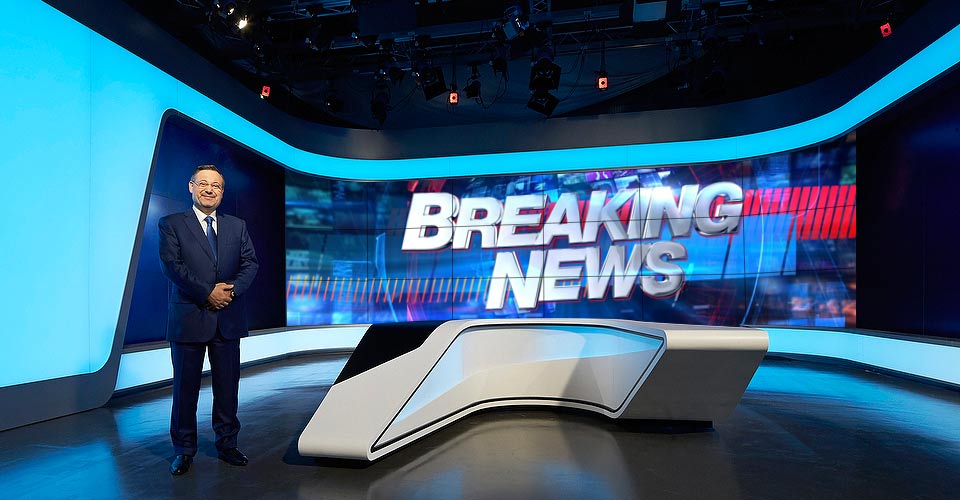
LCD Video Wall

LCD panels form the visible display surface. Compare the selected panel’s native resolution, bezel dimensions, brightness and viewing conditions with the intended layout. Distinguish each panel’s resolution from the wall’s combined canvas; confirm the quoted panel specifications and mounting arrangement.

Video Wall Processor

Choose the processor around the required sources, outputs and simultaneous layouts. Confirm switching, cropping, scaling, windowing, overlay, preview and control functions for the selected cards and configuration. A feature listed for one model should not be assumed on every processor.

Video Wall Bracket

Compare wall-mounted, pop-out and floor-standing brackets for the proposed panel arrangement. Confirm panel dimensions, fixing compatibility, load requirements and the method of accessing individual displays for service. Select the bracket with the supporting installation design and required maintenance access.

Video wall solutions by application

Control rooms and command centers

Start with the information operators must read from their working positions. Specify the source windows, layouts and viewing distances that support the task, then check the proposed panels and processing configuration. Read our control room video wall design guide to prepare a project brief.

Corporate meeting rooms

Plan for presentations, shared dashboards and the simultaneous sources your meetings require. Check legibility from the farthest seats and how users will select layouts. Our corporate meeting room video wall guide explains the planning questions for the proposed display and processor arrangement.

Retail and public displays

Define the intended message, viewing conditions and wall geometry before choosing content dimensions. Include bezel positions and service access in the installation review. Compare the LCD video wall product information with your proposed layout. Test representative text, images and moving content at the intended window sizes.

Canvas example: a regular 2 × 2 arrangement of four 1920 × 1080 panels has a nominal 3840 × 2160 combined pixel grid before bezel compensation. This arithmetic describes the tiled wall. It does not establish the supported input resolution or resolution on every output. Confirm input timings, output timings and processor canvas capacity for the quoted configuration.

Copyright ©2026 Shenzhen Bolise Vision Technology Co., Ltd. | All Rights Reserved