
Commercial AV routing
4K HDMI Matrix Switcher for Scalable AV Routing
For jobs that need routing clarity, operator control, and room to scale, a hdmi matrix switcher 8×8 suits compact builds, while a 4k hdmi matrix switcher keeps larger AV layouts organized with 18 Gbps switching, EDID auto detection, and control options that match the room.
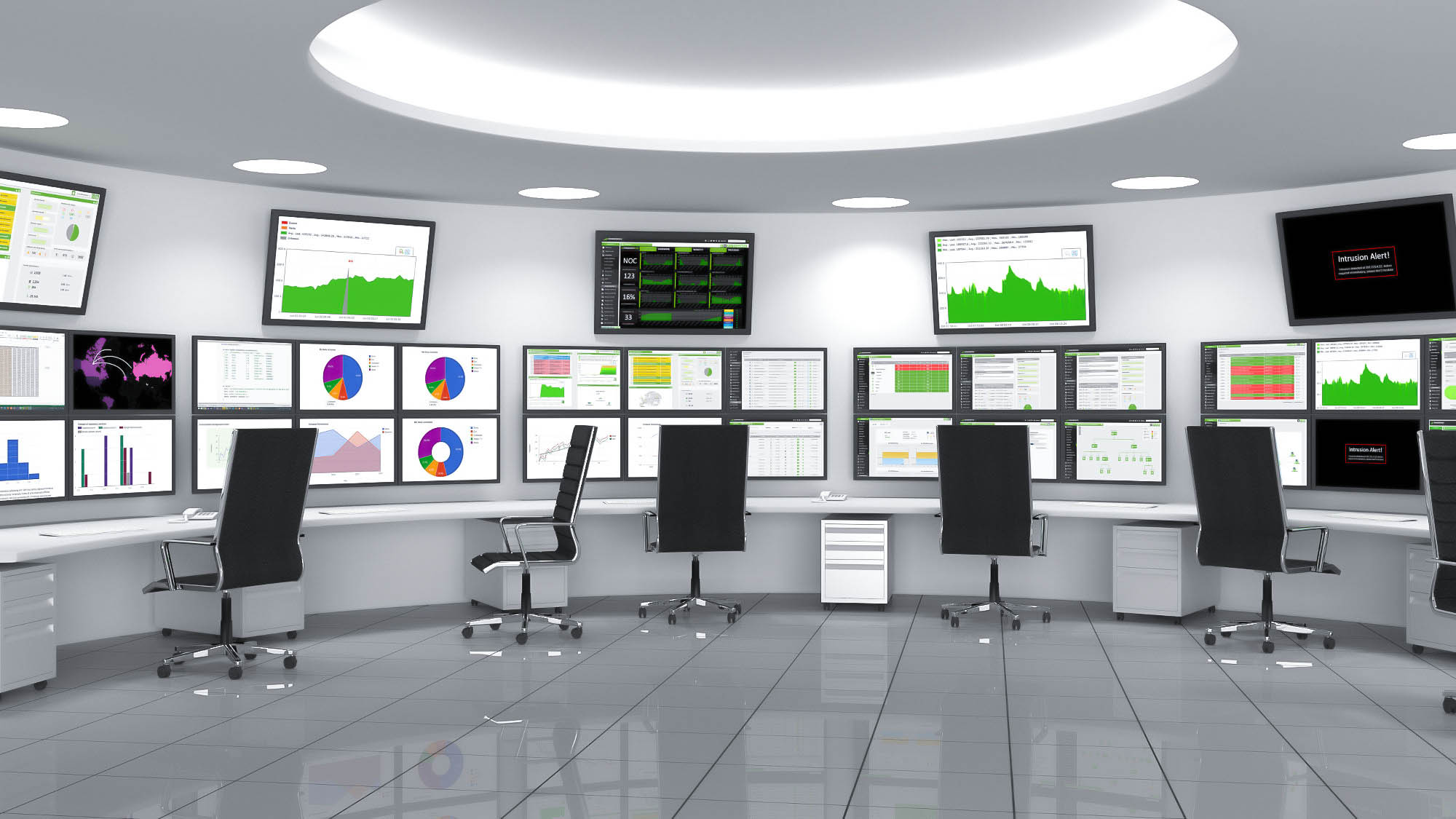
Scale checkpoints
Pick the rack size before you pick the control path
The size range runs from compact 8×8 routing to much larger matrix layouts, so the first decision is not only about switching quality. It is also about how many displays the rack must serve now, and how much room the integrator needs later.
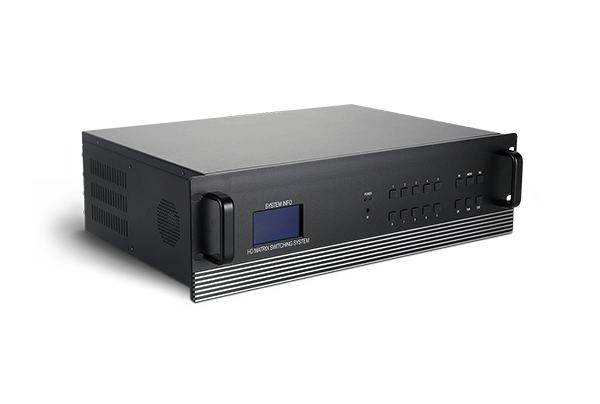
8×8 entry point
Useful when the job is compact, the routing rules are simple, and the operator still wants a clear matrix layer.
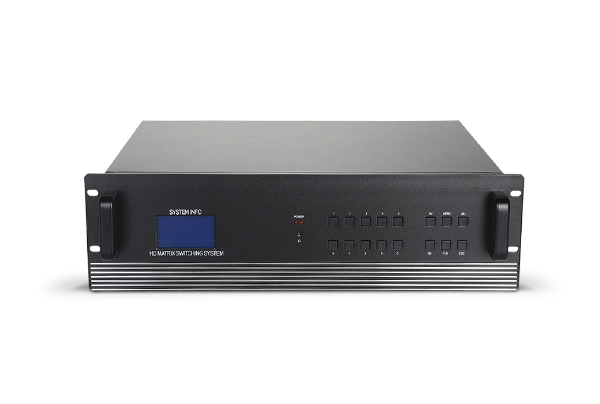
16×16 / 32×32 core
These sizes sit in the practical middle of the range for active commercial rooms.
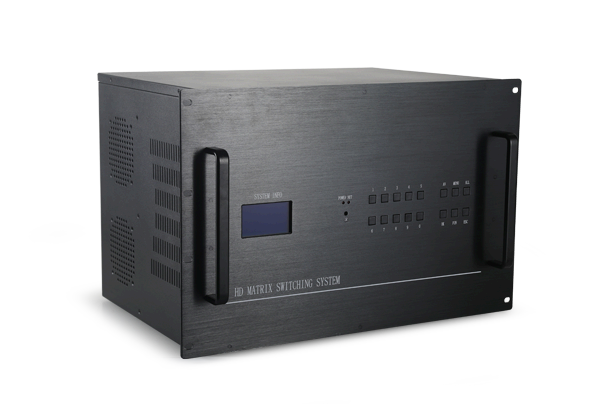
72×72 to 144×144
When the project grows into a larger AV rack, the listed size range leaves room for the next stage of the build.
Pairs that sit naturally beside the matrix
These other Folaida products help frame the matrix switcher inside a broader display-routing job, so integrators can keep transport, processing, and switching roles separate.
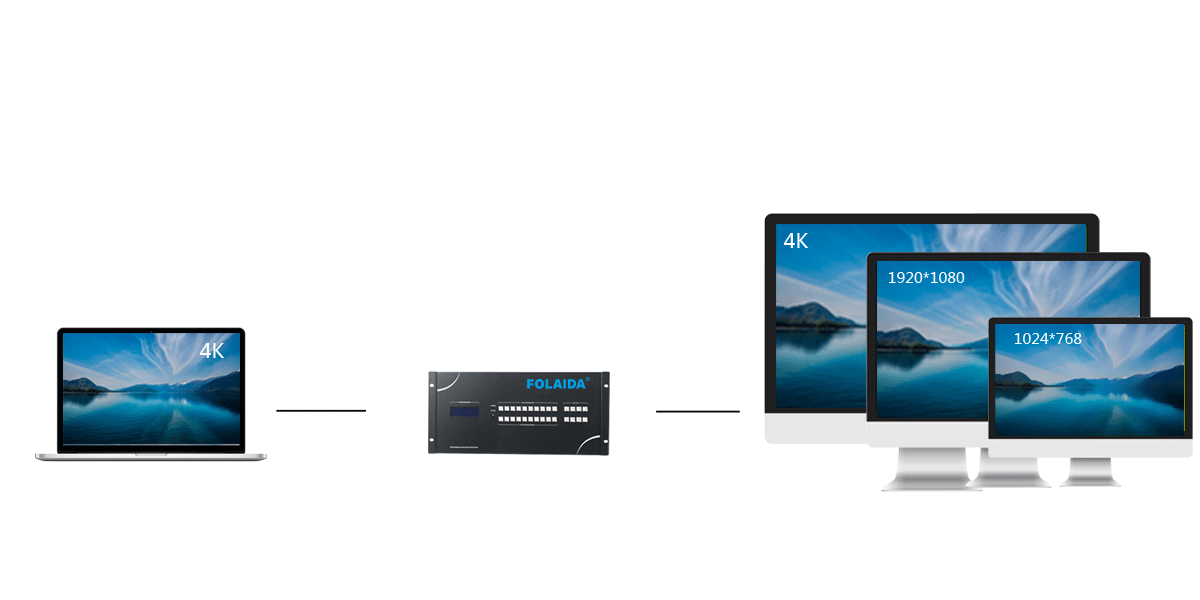
HDBaseT Matrix Switcher
Helpful when the routing plan includes another transport layer beside the HDMI matrix core.
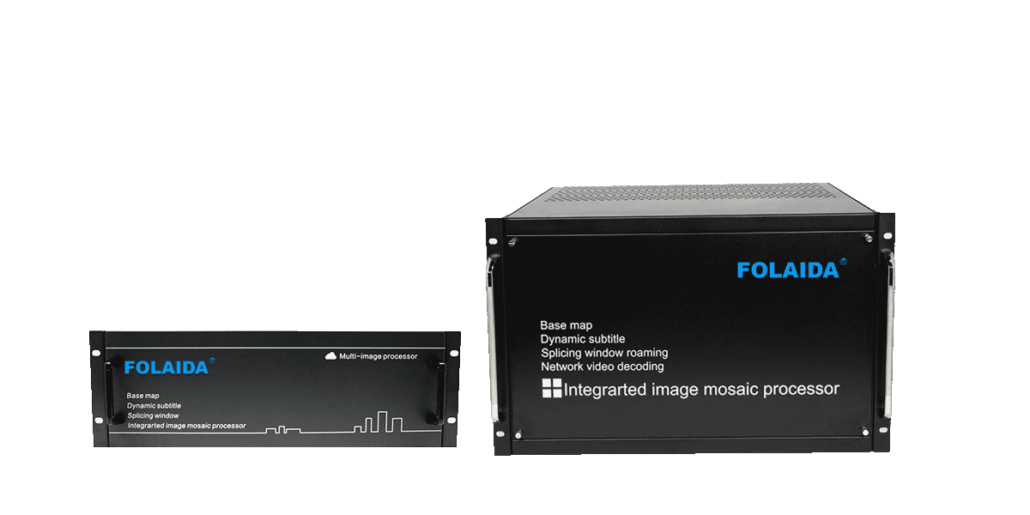
Video Wall Processor
Useful for display-wall jobs where the switching layer and the wall-processing layer need to stay distinct.
Related reading
Three notes that support the purchase decision
These notes separate the routing role, the control handoff, and the day-to-day operation plan.
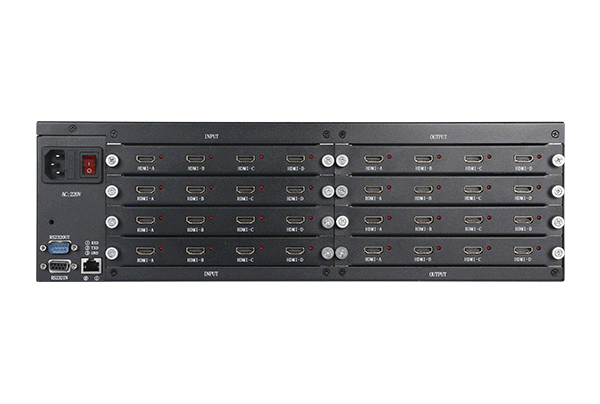
Plan RS232 and TCP/IP handoff early
Helps an integrator choose how the control path should be handed off before the rack is commissioned.
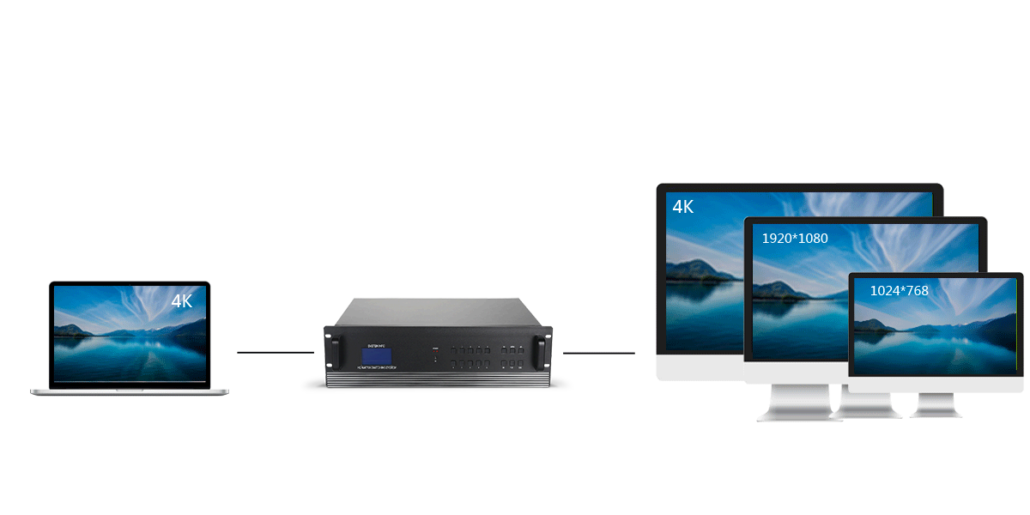
Place the matrix at the center of multi-display routing
Useful when the project needs a clearer view of how one matrix supports many displays.
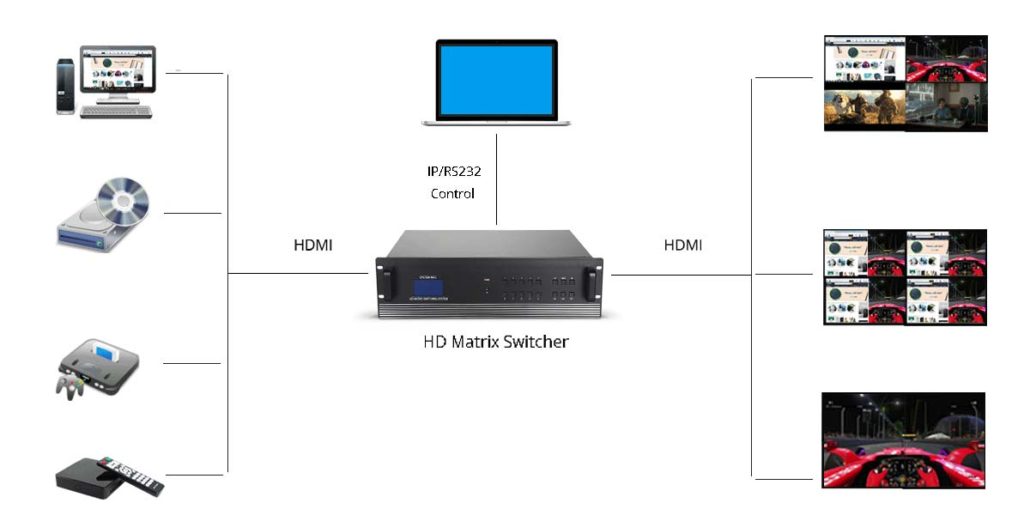
Choose the control method the room will actually use
Shows why buttons, IR, RS232, and TCP/IP belong in the same planning conversation.
FAQ
Common questions before a project starts
What does the matrix switcher do in a multi-display project?
It routes HDMI signals across multiple displays so different inputs can be sent where they are needed without rebuilding the whole rack around a single screen.
How large can the routing system scale?
Available sizes include 8×8, 12×16, 32×40 and 72×72 up to 144×144 inputs and outputs, with 16×16, 32×32 and 40×40 positioned as practical commercial options.
Which control methods are available?
Available controls include buttons, IR remote, RS232, and optional TCP/IP control, so the room can be operated locally or tied into a larger control plan.
What signal quality details matter?
The switcher supports 18 Gbps bandwidth, 4K UHD switching, HDMI 1.4 input and output, and EDID auto detection.
When should I choose an 8×8 layout?
An 8×8 layout is a practical starting point when the project is smaller but still needs clear input-to-display routing and simple operation.
What should I send when asking about a project?
Send the product type, screen size, quantity, installation location, application scenario, input and output needs, and any special customization requirements.